
Start Here
Home Office Setup: The Complete Guide for Remote Professionals
Set up your workspace in the right order: budget, spot, chair, desk, screen, light, sound and cables. Built for US homes and apartments, with measurements in inches and guidance from the Occupational Safety and Health Administration (OSHA), the AAO and the the Federal Communications Commission (FCC).

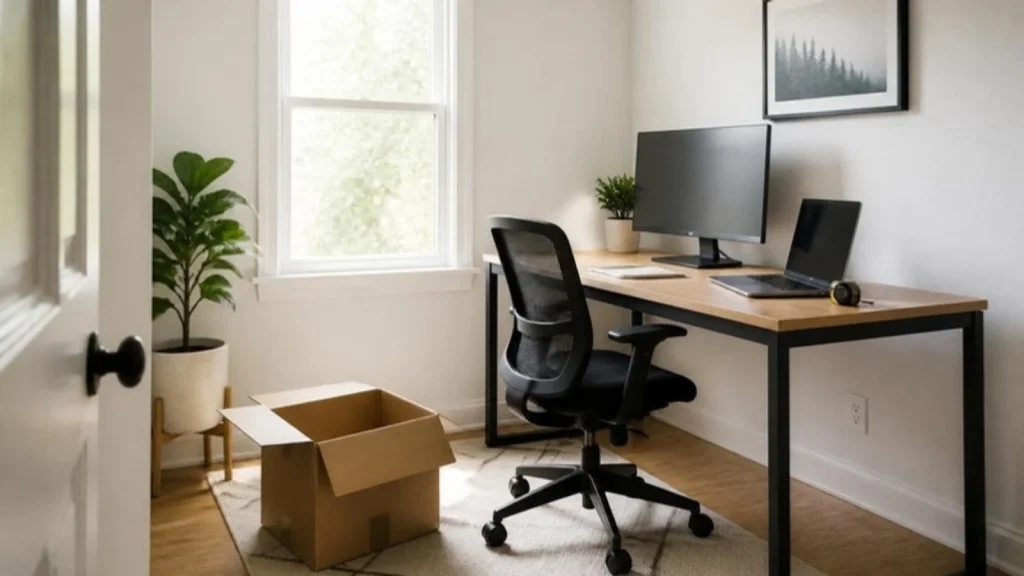
What do I need for a basic home office?
A supportive chair, a desk at the right height, a screen at eye level, decent light and a headset. Add the rest only when a real problem shows up, and ask HR about a stipend before you buy anything.
The 8 steps, in order
Check your budget and your stipend
Before buying anything, ask HR whether your employer offers a remote work stipend or equipment budget. W-2 employees cannot deduct home office costs on federal taxes, so employer money is often the best help you will get.
Pick the right spot
Choose a corner with a door you can close if possible, even in a small apartment. Put the window to your side so your screen sits perpendicular to it, which cuts glare.
Set up your chair first
Feet flat on the floor, knees about level with your hips and your lower back supported. Look for a chair tested to ANSI/the Business and Institutional Furniture Manufacturers Association (BIFMA) X5.1, the US office chair standard.
Get the desk to elbow height
With shoulders relaxed, your forearms should rest flat on the desk. Many fixed desks are 29 to 30 inches tall, which is too high for many people. Raise the chair and add a footrest.
Raise your screen to eye level
OSHA recommends the top of the screen at or slightly below eye level and 20 to 40 inches from your eyes. Laptop users need a stand plus a separate keyboard.
Fix your lighting and protect your eyes
Soft light in front of you for video calls and a lamp to the side for desk work. Follow the AAO 20-20-20 rule: every 20 minutes, look 20 feet away for 20 seconds.
Sort sound and internet
A headset with a decent mic helps most. Test speed from your desk. The FCC broadband benchmark is 100 Mbps down and 20 Mbps up, and upload is what video calls depend on.
Manage cables, power and storage
One surge protector (look for a UL listing) under the desk, a tray for cables and a place for everything you use daily.
The 8 steps on one image
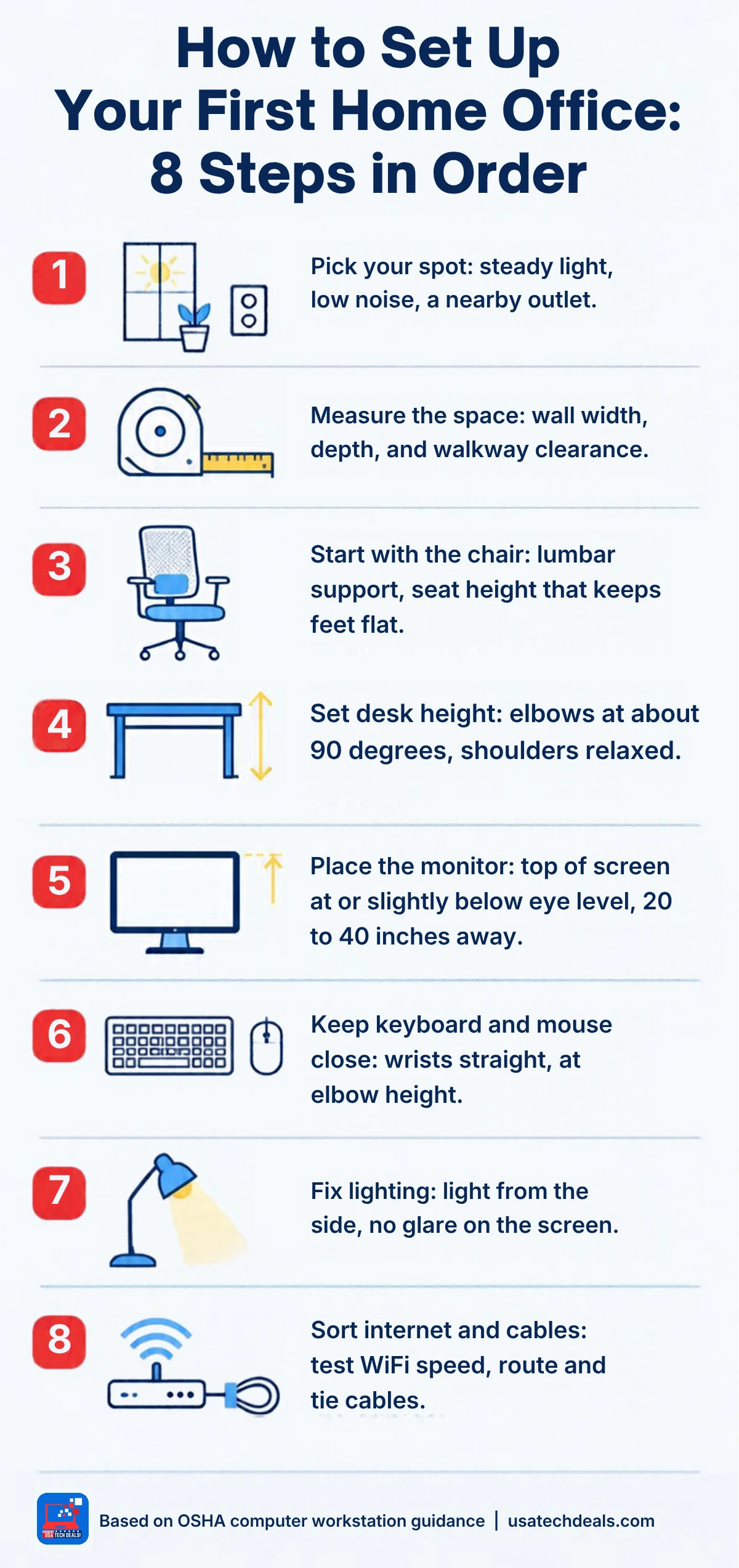
Get the printable Home Office Setup Checklist
All 8 steps on one page, with the exact measurements to check. Free when you join the newsletter.
Go deeper by topic
Frequently asked questions
What do I need for a basic home office?
A supportive chair, a desk at the right height, a screen at eye level, decent light and a headset. Add the rest only when a real problem shows up.
How much does a home office setup cost?
It depends on what you already own. Start with the chair and screen height, which fix the most pain. Price your own list in dollars before you buy anything, and ask HR about a stipend first.
Can I deduct my home office on my taxes?
Only if you are self-employed. W-2 employees cannot deduct unreimbursed home office costs on their federal return, and the One Big Beautiful Bill Act made that permanent. The the Internal Revenue Service (IRS) simplified method allows $5 per square foot, up to 300 square feet.
Can I work from a laptop all day?
You can, but add a laptop stand and a separate keyboard and mouse so your neck and wrists are not doing the work.
Where should my desk face?
Ideally sideways to the window. Facing a window causes glare in your eyes, and a window behind you backlights you on calls.
All guides in this topic
- First Home Office Setup Guide 2026: Everything a New Remote Professional Needs
- Best Home Office Tech 2026: 7 Must-Have Essentials for U.s Remote Professionals
- Home Office Tech Setup Guide: Step by Step Blueprint for Remote Professionals & Freelancers (2026)
- Home Office Setup Checklist: A Practical Step-by-Step List for a Productive Workspace
Sources
- OSHA, Computer Workstations eTool
- American Academy of Ophthalmology, Eye Strain
- FCC, 2024 Section 706 Report (broadband benchmark)
- IRS, Home Office Deduction and Publication 587; One Big Beautiful Bill Act, Section 70110
- BIFMA, ANSI/BIFMA X5.1 office chair standard
This guide is general information, not tax or medical advice.