Ergonomics
Stop back, neck, eye and wrist pain at the source. Start with the problem you feel most, then work through the guides in each topic.
What will I find here? Five topic hubs, one per pain: desk setup for back pain, monitor height for neck pain, eye strain and lighting, wrist pain from the keyboard and mouse, and standing desks. Each hub gives the measurements to check, the guides that go deeper and the free tool that does the math, based on the Occupational Safety and Health Administration (OSHA) and American Academy of Ophthalmology guidance.
20 to 40 in
Eye to screen distance
Source: OSHA
20-20-20
Every 20 min, look 20 ft away for 20 sec
Source: American Academy of Ophthalmology
10 to 20 degrees
Maximum backward screen tilt
Source: OSHA
275 lb
User weight behind US office chair tests
Source: ANSI/BIFMA X5.1
Topics in Ergonomics
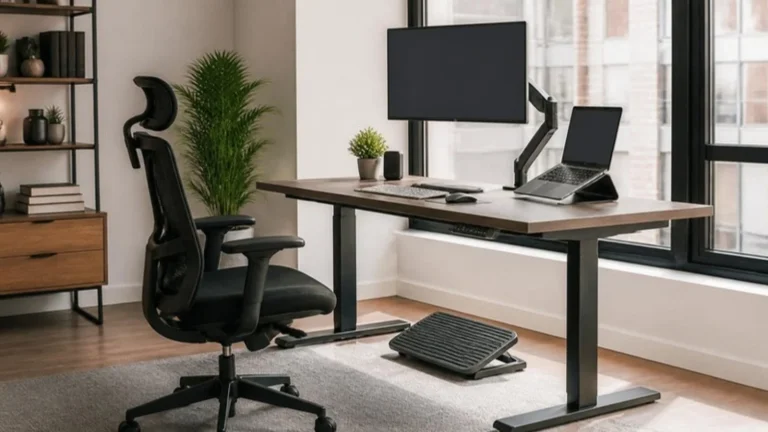
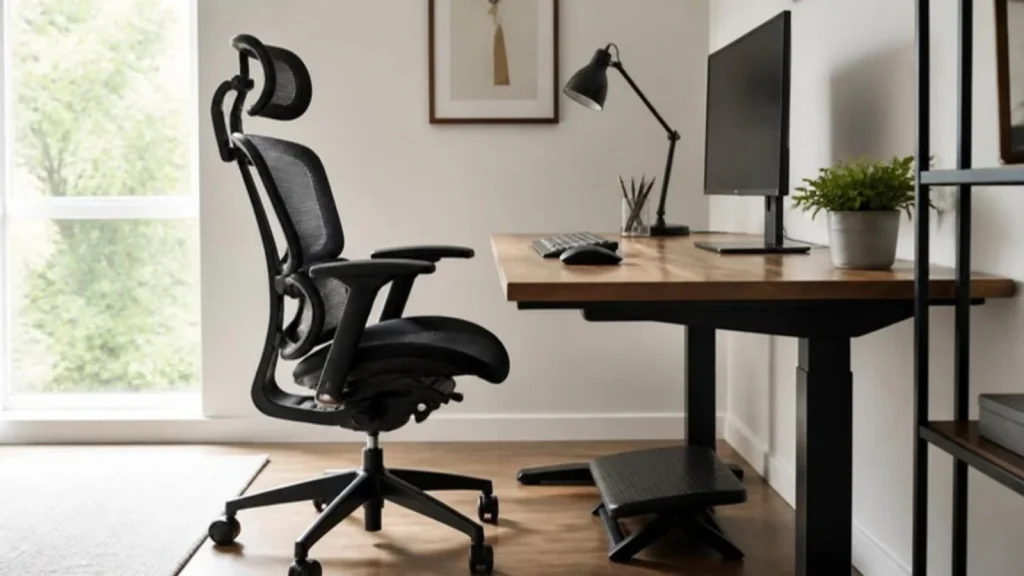
Ergonomic Desk SetupChair, desk, keyboard and screen positions that stop back pain.
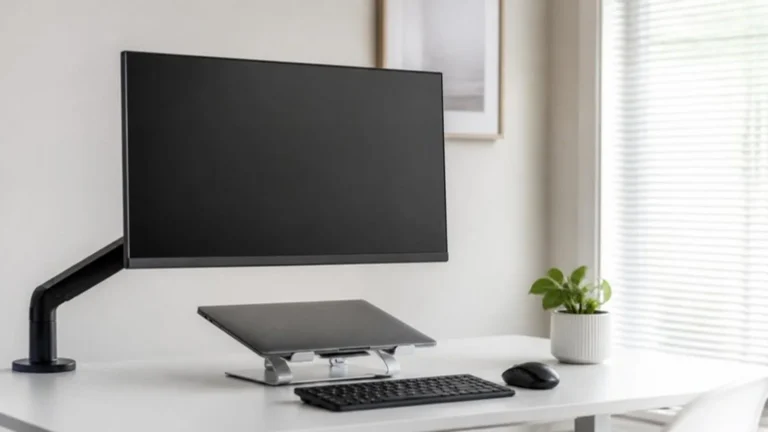
Monitor HeightGet your screen to eye level and end neck pain.
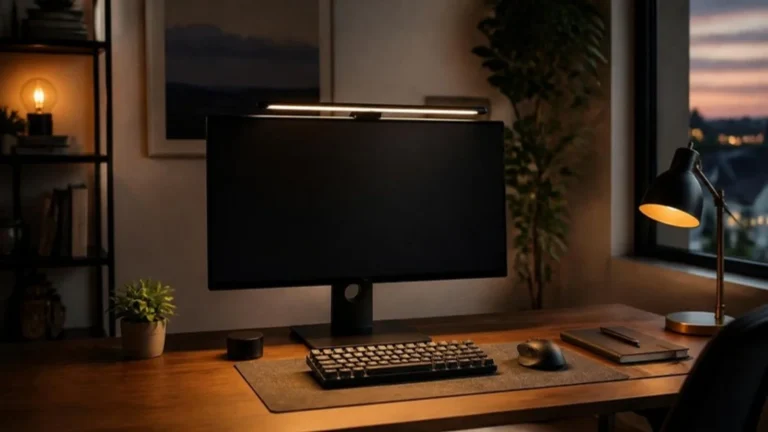
Eye Strain and LightingLight, glare and screen habits for tired eyes.
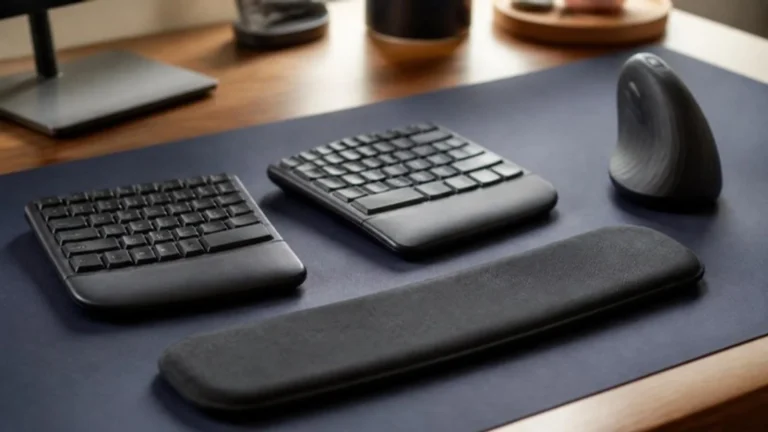
Wrist PainKeyboard, mouse and wrist rest fixes.
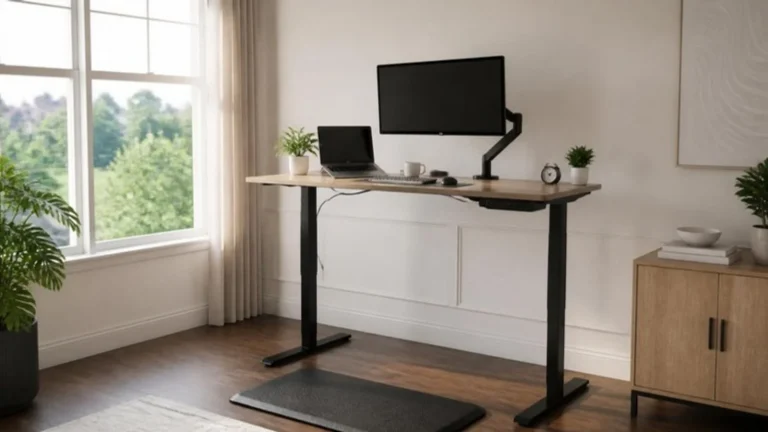
Standing DesksHeights, timing and whether a standing desk is worth it.
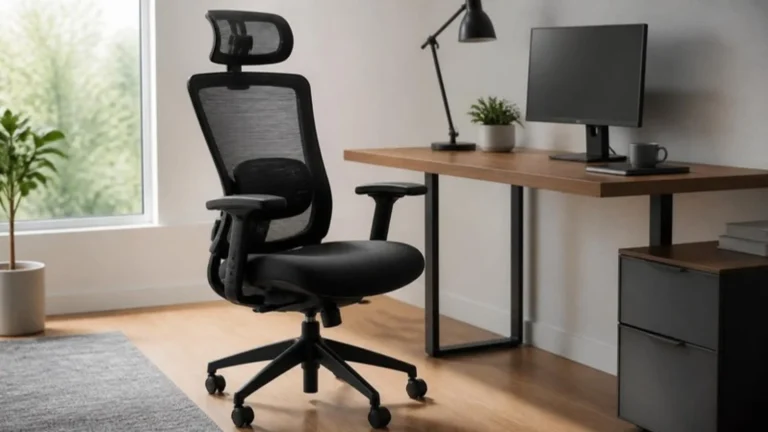
Office ChairsWhich chair features actually help a sore back.
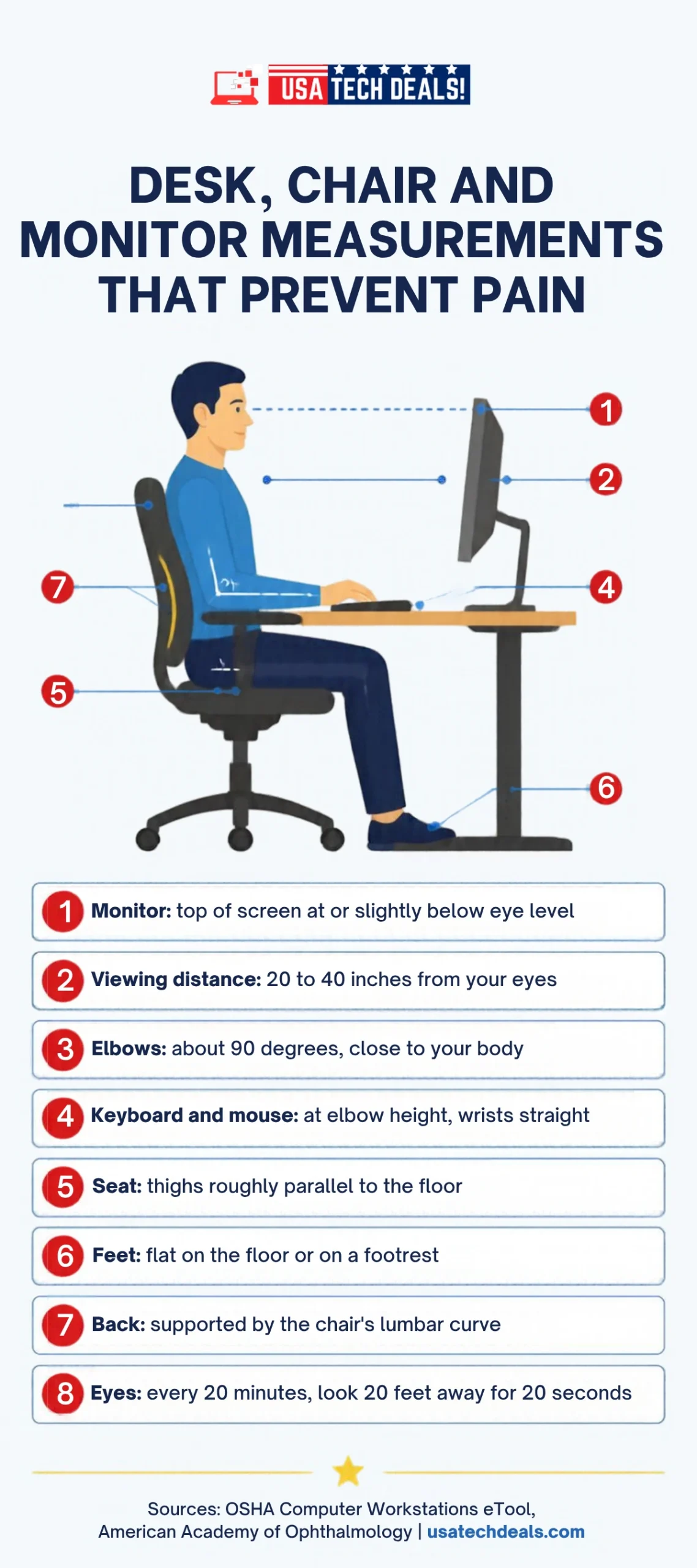
Desk, chair and monitor: the measurements to check