
For US remote and hybrid professionals
Your Home Office Setup Hub: Build a Healthy, Productive Workspace on a Real Budget
Step-by-step guides, setup ideas and 13 free tools to fix back pain, cramped spaces, eye strain and slow WiFi. Every guide follows US workplace safety (OSHA), eye health (American Academy of Ophthalmology) and the Federal Communications Commission (FCC) internet guidance, and is written from a real home office.
What will I find here? Step-by-step home office setup guides, ergonomics fixes for back, neck, eye and wrist pain, research-based gear guides and 13 free browser tools, all written for US remote professionals. Start with the 8-step setup guide if you are new, or jump straight to the problem you feel most.
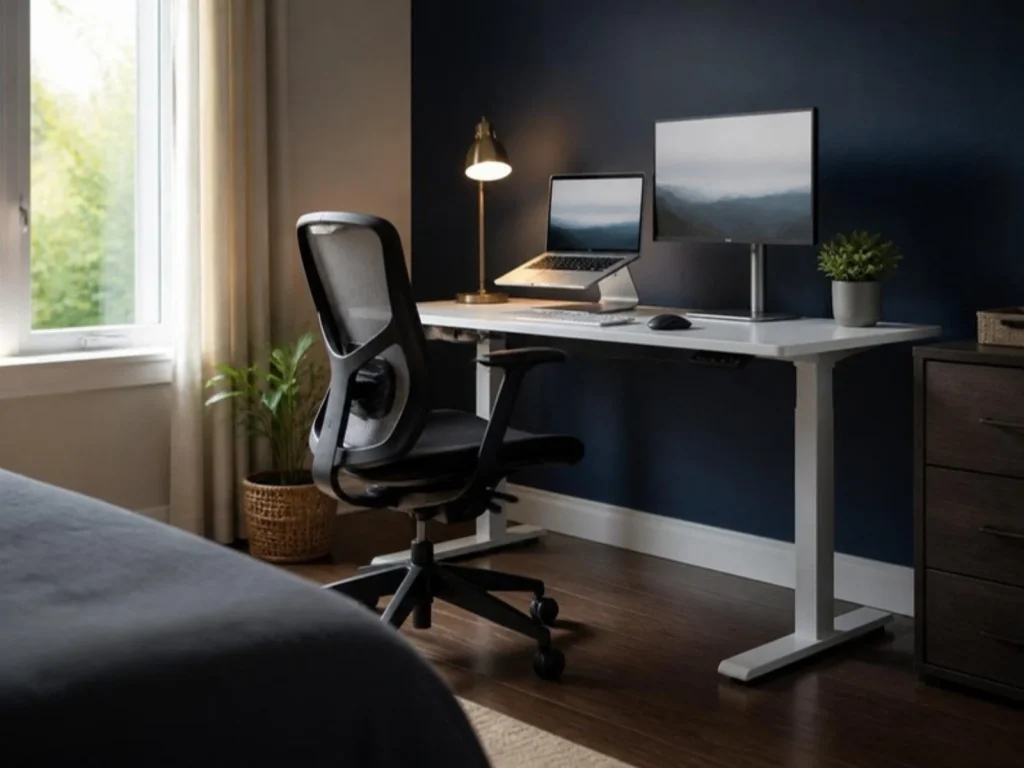
What is bothering you at your desk?
Pick a problem. Each one opens a full guide with the fix first and the gear second.
New to working from home?
Home Office Setup: the complete guide
Desk, chair, screen, light, sound and cables in the right order, with a checklist you can print.
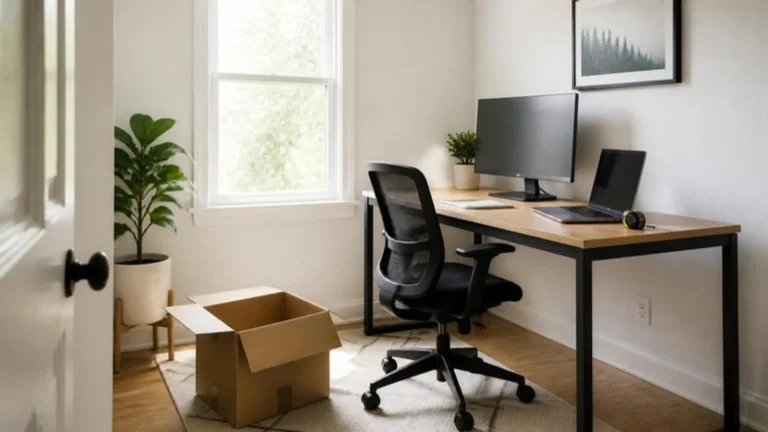
- Pick the right spot
- Chair and desk height
- Screen at eye level
- Light and sound
- Cables and storage
Latest guides
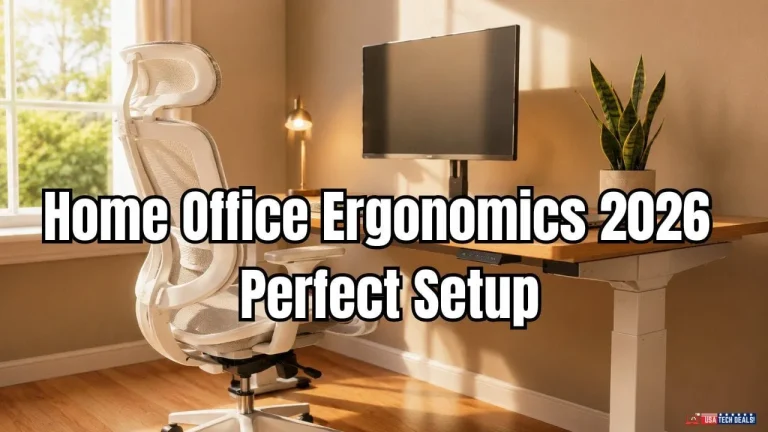
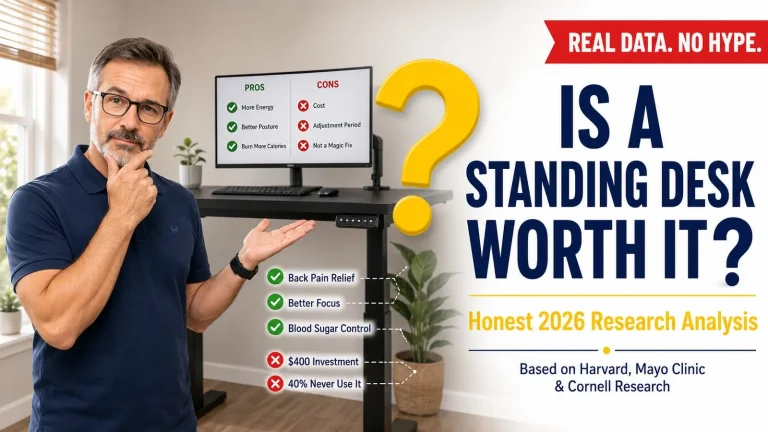
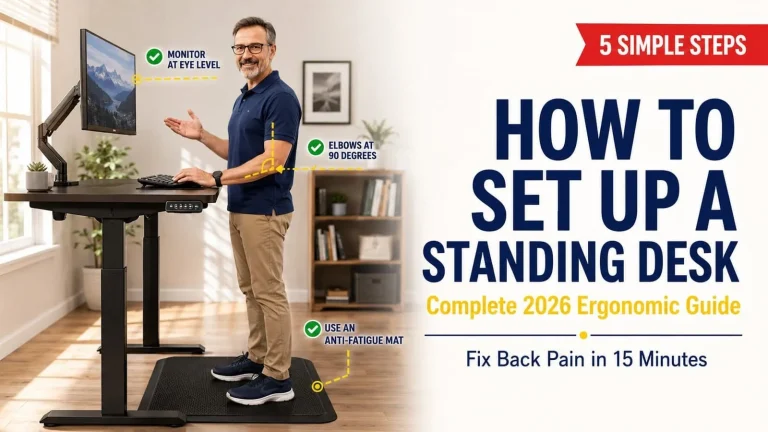

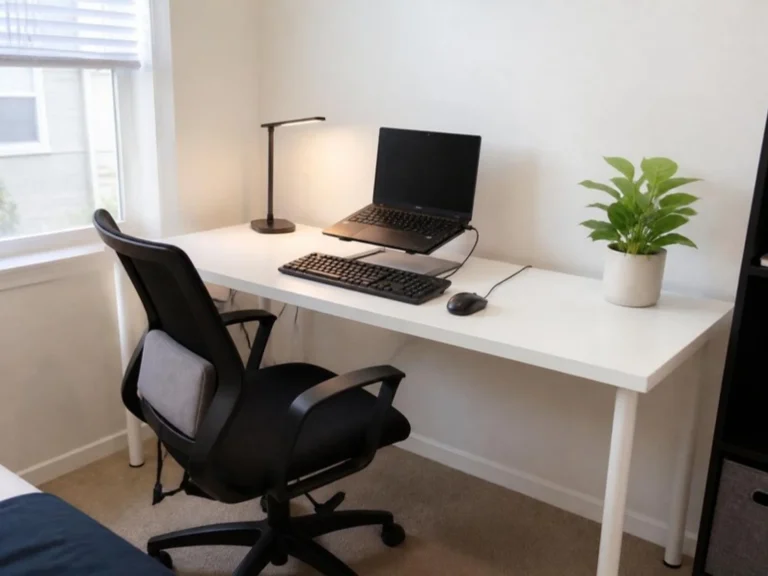
Home office ideas you can copy
Every setup lists each item and its budget tier, so you know exactly what you are building.

Free home office tools
Working from home in the US
3 things most remote professionals get wrong
Questions US remote professionals ask us most
Can I write off my home office if I work from home for my employer?
Not on your federal return if you are a W-2 employee. The deduction for unreimbursed employee expenses is suspended permanently under the One Big Beautiful Bill Act. self-employed people can still claim it. Check your state rules and talk to a tax professional.
What desk height is right for my height?
Your forearms should rest flat with relaxed shoulders. Use our free calculator for a starting number in inches, then fine-tune for comfort.
How fast should my internet be for working from home?
The FCC now defines broadband as 100 Mbps download and 20 Mbps upload. Upload matters most for video calls, so test it from your desk, not next to the router.
Does my employer have to pay for my home office?
It depends on your state and your employer. Some states require reimbursement of necessary work expenses. Ask HR for the remote work or stipend policy in writing.
What chair weight rating should I look for?
Look for a chair tested to ANSI/the Business and Institutional Furniture Manufacturers Association (BIFMA) X5.1, the US office chair standard. Its tests are based on a 275 lb user. If you weigh more, choose a chair rated for your weight.

Meet the editor
Hi, I am Afraz. A digital marketing consultant who works full-time from my own home office.
By day I help businesses across the globe, especially in the USA, UK, Australia and UAE, grow with SEO, Google Ads, Meta Ads and high-converting websites. On those calls I kept hearing the same thing: money spent on home office gear that did not fix the problem. USA Tech Deals is where I share what actually works, from my own desk and careful research. If I have not tested something myself, I say so.