
Topic hub
Monitor Height and Neck Pain
Get your screen to the right height and distance, and end desk neck pain.

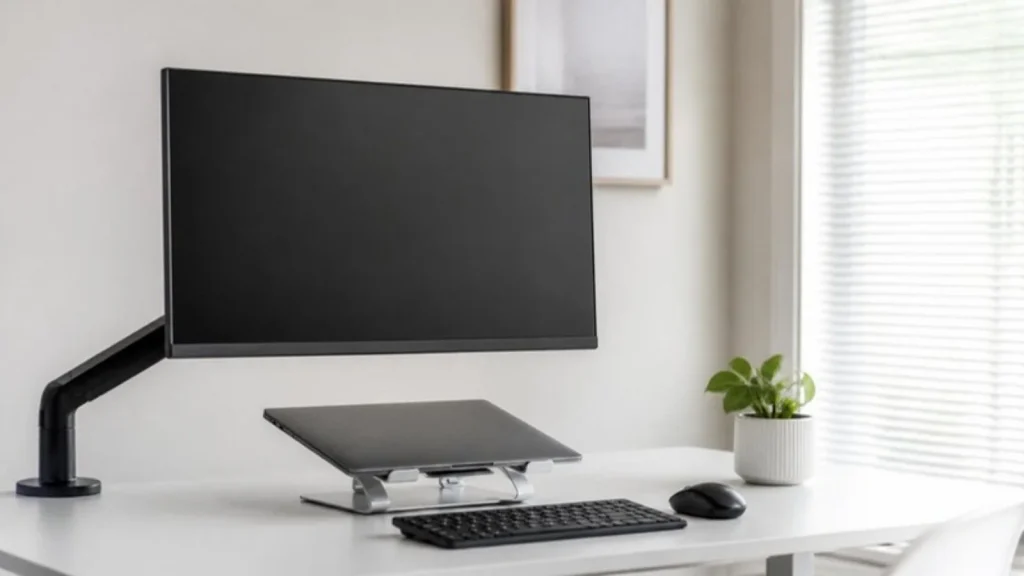
Why height matters
When a screen sits too low, your head drifts forward and your neck and upper back hold it there all day. Raising the screen is often the cheapest fix for desk neck pain. the Occupational Safety and Health Administration’s (OSHA) Computer Workstations eTool puts the top of the screen at or slightly below eye level.
How to measure it
Sit the way you work, back against the chair, feet flat. Look straight ahead and note where your eyes land on the screen. Raise or lower it until that point is at or just above the top edge. Then check the distance with a tape measure: 20 inches at least, 40 at most.
Stands, arms and two screens
A stand works for a fixed spot; an arm adjusts more and frees desk space, which helps in small apartments. With two screens, put the one you use most straight ahead and the second beside it at the same height, angled slightly toward you.
What should I fix first?
Three fixes in the order that pays off fastest, using the measurements from the guides on this page.
- Set the chair before the screen. Sit back against the chair with your feet flat, because the right screen height depends on where your eyes land when you sit the way you actually work. The ergonomic desk setup hub walks through chair and desk height first.
- Raise the screen until the point your eyes land on is at or just above the top edge, then check the distance with a tape measure: 20 inches at least, 40 at most, with no more than 10 to 20 degrees of tilt. The free Desk Height Calculator gives you a starting number for the monitor top.
- If you work on a laptop, add a stand plus a separate keyboard and mouse; the laptop screen alone is always too low once the keyboard is at the right height. With two screens, put the one you use most straight ahead and the second beside it at the same height, angled slightly toward you.
All guides in this topic
New guides for this topic are published every week.
Related tools and guides
Get the Home Office Setup Checklist
Every step and measurement on one printable page.
FAQ
How far should my monitor be?
OSHA’s preferred range is 20 to 40 inches. Start at arm’s length and move larger screens toward the far end.
What about bifocals?
If you wear bifocal or progressive lenses, set the screen a little lower so you are not tipping your head back.
Does a laptop stand fix it?
Yes, as long as you add a separate keyboard and mouse. The laptop screen alone is always too low when the keyboard is at the right height.
Sources
- OSHA, Computer Workstations eTool: Monitors
- American Academy of Ophthalmology, Eye Strain
This guide is general information, not medical advice.