
Topic guide · 1 guide
Home Office WiFi
Why WiFi is slow at your desk and the fixes in order: plan, router placement, 5 GHz, Ethernet or mesh.

Find the real problem
Run a speed test twice: at your desk and next to the router. If both are slow, the plan is the limit. If only the desk is slow, the fix is placement, band or a wired connection. Compare upload speed with what your calls need.
Fixes in order
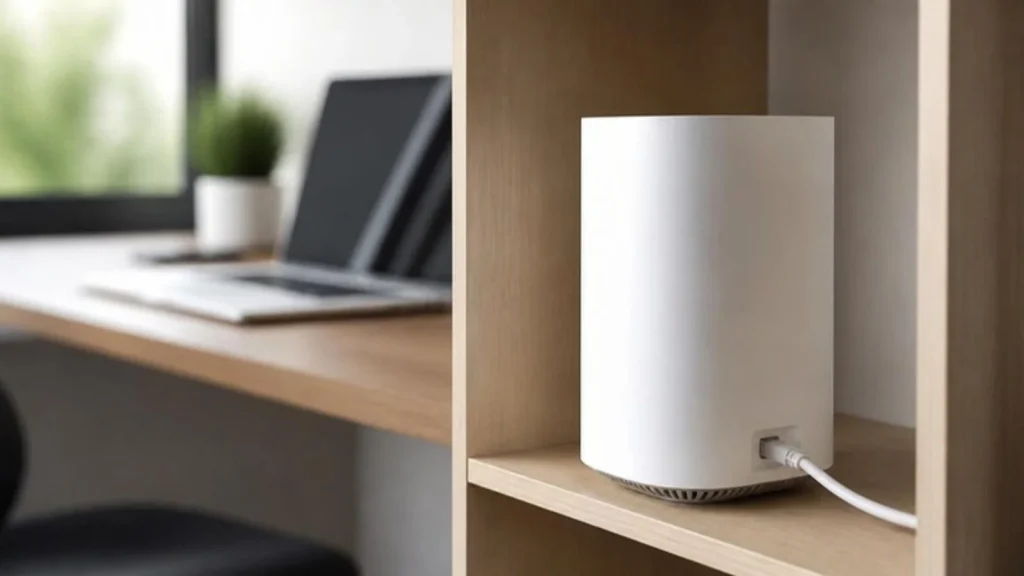
Raise the router and move it toward the middle of the home. Switch your laptop to the 5 GHz band. Run an Ethernet cable if the desk is in the same room or a cable can follow the wall. If the desk is far away, add a mesh point rather than a repeater.
When to replace the router
If the router is more than about five years old, drops many devices at once or cannot reach the desk even after moving it, a WiFi 6 router under $100 is often enough. Our router guide lists picks for apartments, gaming and travel.
What should I fix first?
Three fixes in the order that pays off fastest, using the measurements from the guides on this page.
- Prove where the problem is. Run a speed test at your desk and again next to the router. If both are slow, your plan is the limit; if only the desk is slow, the fix is placement, band or a cable. Compare the upload number with what your calls need using the free Internet Speed Needs Calculator.
- Move before you buy. Raise the router and put it toward the middle of the home, away from walls, mirrors and the microwave, and switch the laptop to the 5 GHz band. If the desk is in the same room or a cable can follow the wall, an Ethernet cable beats any router upgrade.
- Upgrade last. For a far room, add a mesh point rather than a range extender, which halves speed and creates a second network. If the router is more than about five years old or drops devices, a WiFi 6 router under $100 is often enough. The tech fixes page lists the call and video symptoms that point back to WiFi.
All guides in this topic
Related tools and guides
Get the Home Office Setup Checklist
Every step and measurement on one printable page.
FAQ
Why is my fast plan slow at my desk?
WiFi. Walls, distance and old routers cut speed long before the plan does. Test at the router to prove it.
Mesh or extender?
Mesh keeps one network name and hands devices over cleanly. Extenders halve speed and create a second network.
How much speed do I need?
Add up calls, streams and uploads with the Internet Speed Needs Calculator and compare with the FCC 100/20 benchmark.
Sources
- FCC, 2024 Section 706 Report (broadband benchmark)
- FCC, Broadband Speed Guide
This guide is general information, not medical advice.