
Gear
Monitors
Screen sizes, sharpness, eye comfort and dual monitor setups for home office work, with the numbers behind each choice.
What will I find here? Screen sizes, sharpness, eye comfort and dual monitor setups for home office work, with the numbers behind each choice. The Monitor Size and PPI Calculator checks whether a screen, or two, fits your desk before you buy.

Size and sharpness
Pixels per inch (PPI) decides how sharp text looks. A 24 inch 1080p screen is about 92 PPI; a 27 inch 1440p screen is about 109 PPI. Bigger is not better if the resolution does not grow with it. The calculator shows the real width, height and PPI of any size.
Height, distance and glare
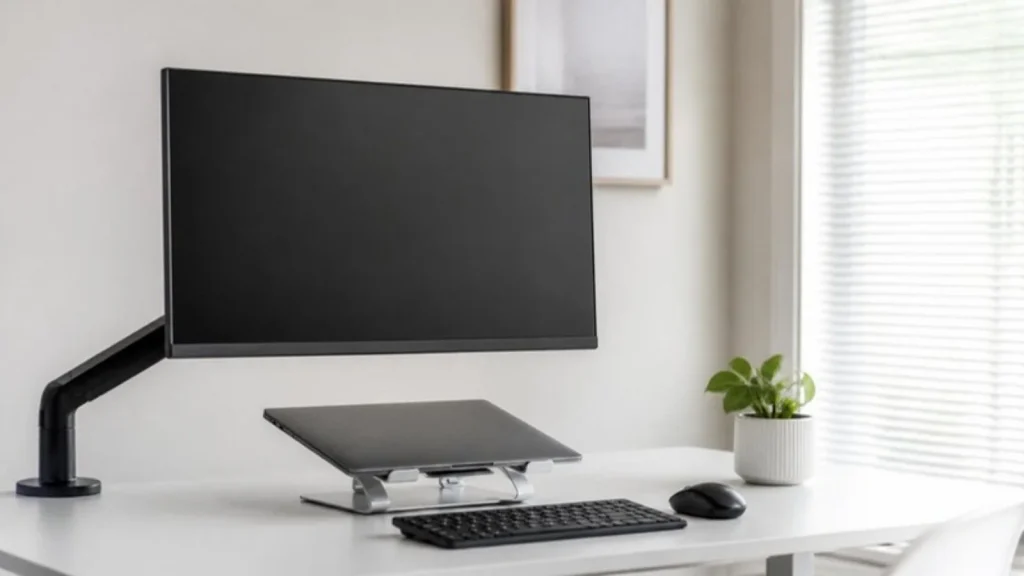
Neck pain usually comes from a screen that is too low. Raise it until the top edge is at eye level, keep it 20 to 40 inches away and set it sideways to the window so the light does not reflect. A monitor arm makes this easy and frees desk space.
Dual monitors
Put the screen you use most straight ahead and the second one beside it at the same height, angled slightly toward you. Match sizes and resolutions so your eyes do not refocus. The Laptop to Dual Monitor hub covers docks and cables.
Related tools and guides
Latest gear guides
- 9 Best Standing Desks Under $400 (2026): Explore These Top Picks
- 7 Best Office Chairs for Long Hours Under $200
- Best Office Chair for Back Pain Under $200 (2026): 7 Doctor-Reviewed Deep Dive Picks
- 9 Best Budget Office Chairs Under $200 (2026): US-Researched Ergonomic Picks
- 7 Best Budget Soundbars Under $200 – Affordable Picks That Actually Sound Great
- Best Noise Cancelling Headphones 2026: 7 Top Picks Under $100-$500 (Sony, Bose, JBL)
- Amazon Echo Pop Review: Best Smart Speaker for Small Spaces
- Logitech MK270 Wireless Keyboard and Mouse Combo Review
- JBL Tune 510BT Review: Best Budget Bluetooth Headphones with Pure Bass Sound
- HANYCONY Surge Protector Power Strip Review: The Ultimate Multi Plug Outlet Extender You Need in 2025
- 5 Best Budget Gaming Monitors (2026) – Top Picks for Smooth Gaming on a Budget
- Best Budget Monitors Under $150 (2026) for Work and Home Office
FAQ
Is 24 inches too small?
Not for office work at 1080p. It is the size most budget guides on this site recommend.
Do I need 4K?
For spreadsheets and documents, 1440p on 27 inches is sharp enough. 4K helps for photo and video work and needs a laptop that can drive it.
Why do my eyes hurt after a few hours?
Usually distance, glare and no breaks. Follow the 20-20-20 rule from the American Academy of Ophthalmology and check the Eye Strain hub.
Sources
- the Occupational Safety and Health Administration (OSHA), Computer Workstations eTool: Monitors
- American Academy of Ophthalmology, Eye Strain
This page is general information, not medical advice.