
Topic guide · 2 guides
Noise and Headsets
Headsets, noise cancelling and quiet-office fixes for roommates, kids and street noise.

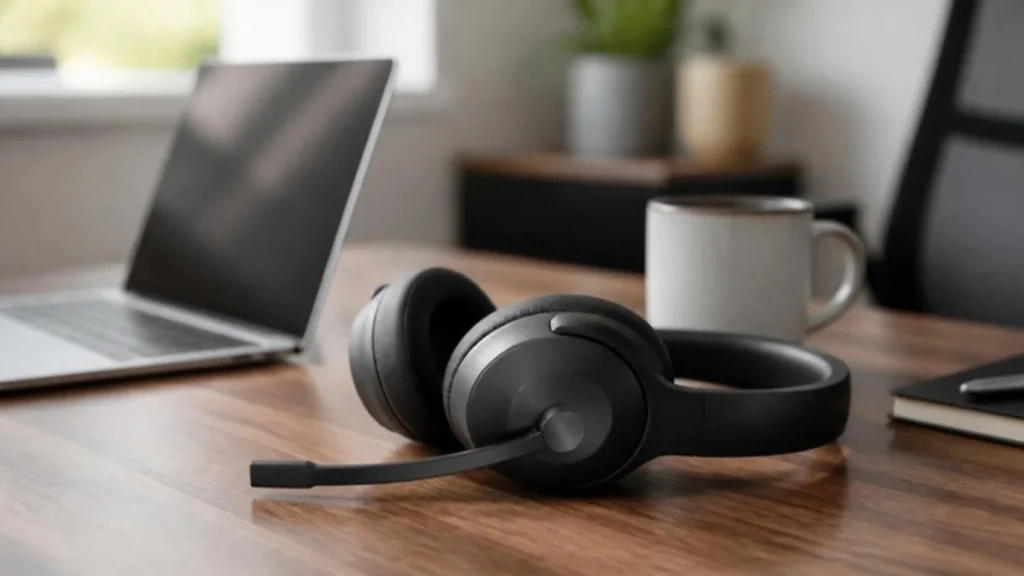
What others hear
The mic decides how you sound. A boom mic close to your mouth picks up your voice and rejects the room. Laptop mics pick up everything at the same volume. Turn on the noise suppression setting in your call app; it is built in and free.
What you hear
Active noise cancelling works best on steady, low sounds such as fans, air conditioning and traffic. It does less for voices and sudden noises. Over-ear headsets block more passively; earbuds are lighter for long days. Check battery life for all-day use.
Make the room quieter
A rug, curtains and a bookshelf behind you cut echo. Agree quiet hours for calls with your household and post your call schedule. A door, even a thin one, helps more than any headset.
What should I fix first?
Three fixes in the order that pays off fastest, using the measurements from the guides on this page.
- Fix what others hear first. Use a headset with a boom mic close to your mouth and turn on noise suppression in Zoom or Teams; it is built in and free. Check the result with the free Webcam and Mic Test before the call rather than during it.
- Then fix what you hear. Active noise cancelling works best on steady, low sounds such as fans, air conditioning and traffic and does less for voices, so match the headset to your noise. Over-ear headsets block more passively; earbuds are lighter for long days. Best noise cancelling headphones lists the picks by budget.
- Finally, quiet the room. A rug, curtains and a bookshelf behind you cut echo, a door helps more than any headset, and agreed quiet hours plus a posted call schedule keep the household out of your calls. The video call setup hub covers light and camera.
All guides in this topic
Related tools and guides
Get the Home Office Setup Checklist
Every step and measurement on one printable page.
FAQ
Do I need noise cancelling for work from home?
If your problem is steady background noise, yes. If it is voices, a good boom mic and app noise suppression matter more.
Headset or headphones plus a mic?
A headset is simpler. A separate USB mic sounds better for recording but picks up more room on calls.
Can I use regular earbuds?
For listening, yes. For speaking, their mics sit far from your mouth and pick up the room.
Sources
- Manufacturer specification sheets for the headsets named in each guide
- Zoom and Microsoft Teams, background noise suppression settings
This guide is general information, not medical advice.