Tech Troubleshooting Guides for Home Office & Remote Work

Facing issues with your laptop, monitor, Wi-Fi, or home office setup?Our Tech Troubleshooting Guides are designed specifically for U.S. remote professionals who want clear, step-by-step solutions to fix common workspace tech problems — without needing advanced technical knowledge.Instead of vague advice, we provide practical, real-world fixes that help you restore productivity quickly and safely.

Step-by-step instructions

Beginner-friendly explanations


Focused on real home office issues

What Our Troubleshooting Guides Help You Fix

This section helps you solve common tech issues that interrupt productivity in a home office environment.

Laptop & Computer Performance Issues

Fix slow performance, overheating, startup errors, freezing, and system crashes that disrupt remote work.

Monitor & Display Problems

Solve screen flickering, resolution errors, display scaling issues, and “no signal” warnings.

Windows & Software Errors

Step-by-step fixes for system update issues, driver conflicts, software crashes, and configuration problems.

Wi-Fi & Connectivity Issues

Troubleshoot unstable internet connections, router problems, device pairing issues, and networking conflicts.

Workspace Setup & Optimization

Fix productivity bottlenecks caused by poor configuration, hardware conflicts, or improper setup.

Preventive Maintenance Tips

Learn how to prevent performance issues before they impact your workflow.

Who These Troubleshooting Guides Are For

These guides are built for:

  • Remote professionals

  • Home office users

  • Students working from home

  • Freelancers and creators

  • Non-technical beginners

  • Anyone experiencing everyday tech issues

If your device impacts your productivity — this section is for you.

Get Our Curated Hottest Tech Guides & Tips in Your Inbox!

Subscribe now to get easy-to-follow tech guides and tips for monitors, laptops, and home office tech devices. Learn how to set up, troubleshoot, and maximize your tech’s performance — straight to your inbox.


Popular Tech Blog Categories

Browse Latest Tech Troubleshooting Guides & Tips

Explore our step-by-step guides below to diagnose, fix, and optimize your home office technology.

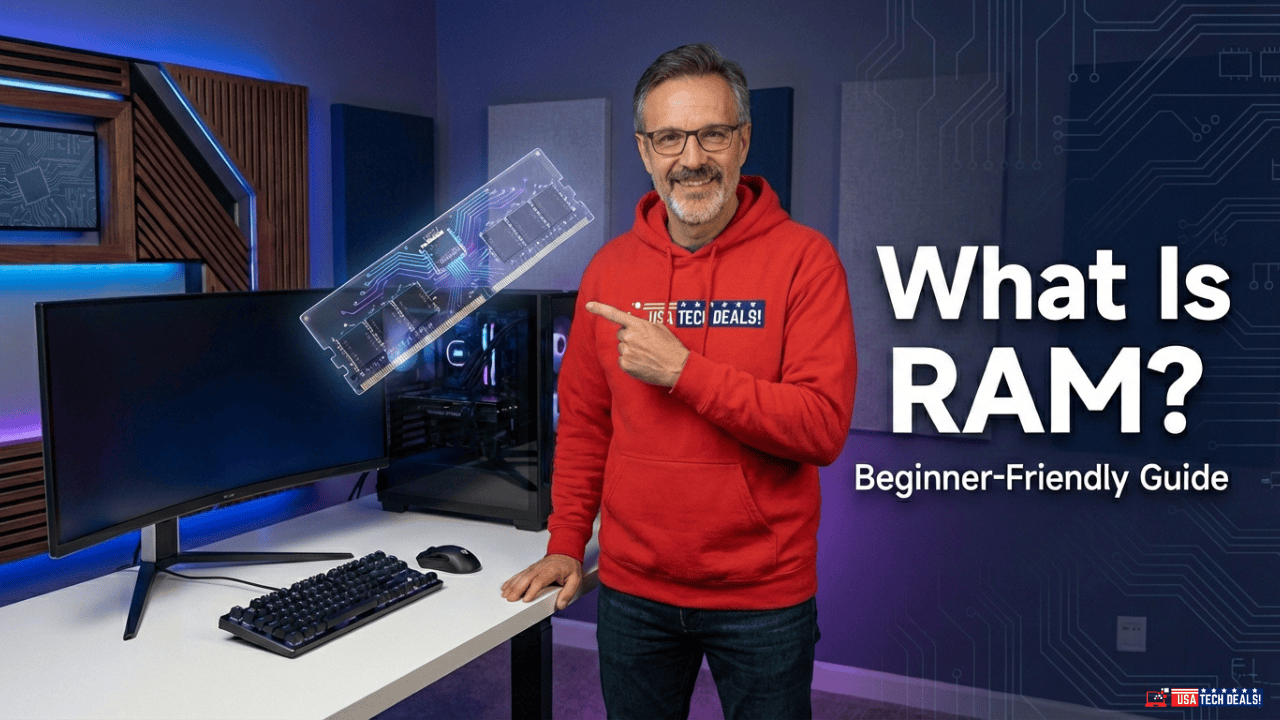
Tech blogger pointing to a RAM module graphic explaining what RAM is in a computer.

What Is RAM in a Computer? A Complete Beginner-Friendly Guide

If you’re trying to understand computers better — whether for buying, upgrading, or simply learning — one term you’ll see everywhere is RAM. Today, we will learn What Is RAM in a Computer! You might hear things like: But what exactly is RAM in a computer?What does it really do?And

Read More »
Boost-Your-PCs-Speed-Ultimate-Tips-for-Better-Performance

How to Optimize Your PC for Better Performance and Longevity

A slow PC can be frustrating—long boot times, laggy apps, system freezes, and poor multitasking can quickly kill productivity and enjoyment. The good news? You don’t always need new hardware to fix it. In this guide, we’ll learn the essential steps on how to optimize your PC for better performance,

Read More »
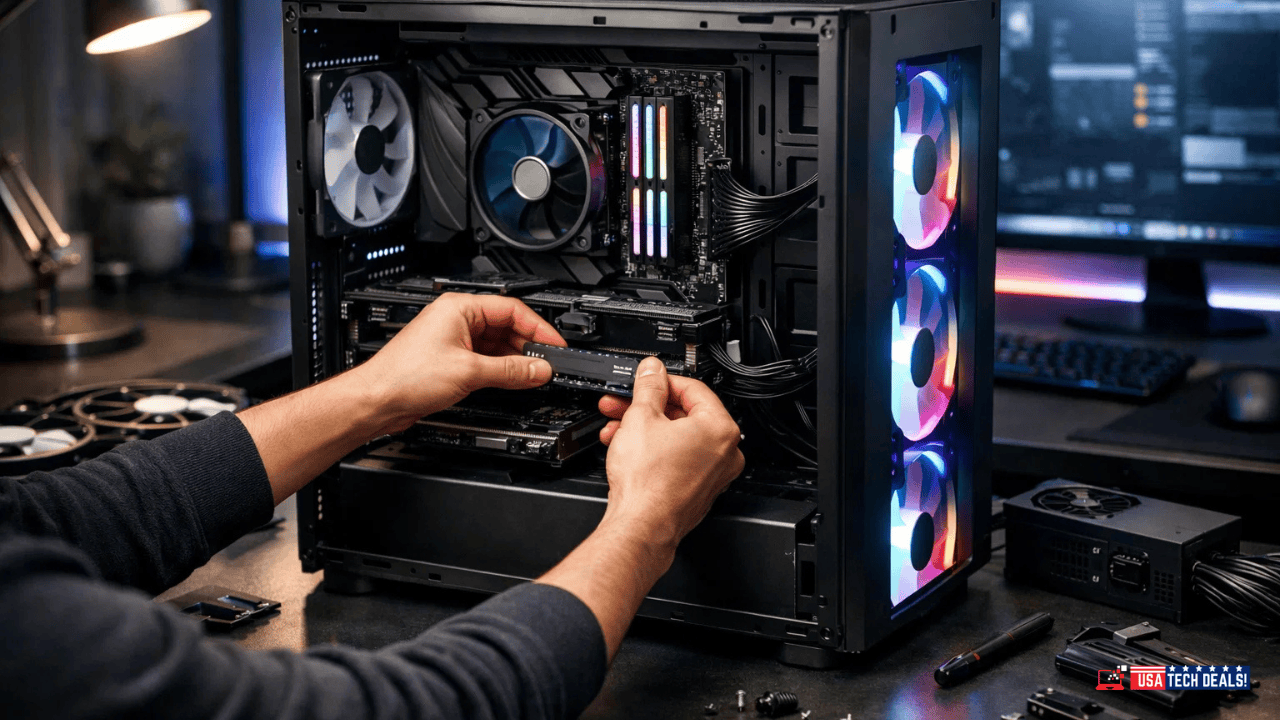
High-performance gaming PC building with RGB fans and SSD upgrade.

How to Build a PC: The Ultimate Guide to PC Building

Building your own PC these days is easier, more exciting, and more rewarding than ever before. Let’s explore today how to build a pc step by step. With cutting-edge hardware, powerful customization options, and the ability to tailor every component to your needs, DIY PC building is no longer just for

Read More »

How We Create Our Troubleshooting Guides

Each troubleshooting guide on USA Tech Deals is created through careful research and real-world problem analysis. Our goal is to provide clear, actionable solutions that users can apply safely, without unnecessary complexity or guesswork.

Research-based issue analysis

Review of real user problem patterns

Clear, structured instructions

Regular updates for accuracy

We prioritize clarity and safe execution over technical complexity.

Helpful Resources for Better Tech Decisions

If troubleshooting doesn’t fully resolve your issue or you’re planning a replacement, these resources may help:

FAQ

ask us
anything

Yes. All steps are written with safety and beginner usability in mind.

Most guides use built-in system tools unless clearly stated otherwise.

Yes. We simplify technical language while maintaining accuracy.

Yes. Our recommendations align with products and systems commonly used in the United States.

USA Tech Deals aims to to help U.S. professionals maintain a productive home office by providing clear, actionable troubleshooting guidance — so you can fix problems confidently and minimize downtime.

Scroll to Top

Avoid Buying the Wrong Tech

Before you buy any gadget for your home office, make sure you are choosing the right one.

Free guide • No spam • Unsubscribe anytime